You took the shot. Cloudy strainer. Lean at a fence post. Sticky honeydew on a leaf underside. The thumbnail looked fine. Then the upload spinner hung at the barn edge, and by evening the “evidence” was nowhere—or lost in Recents between a receipt and a sunset you will never search.
That is how offline photo field notes usually fail: the system treated the upload as the save.
This article is the media companion to the offline farm journal guide. That guide covers local save, paper buffers, and dead-zone templates. Here we stay on the photograph: resolution, caption, place, retry queue, and a visible “needs attention” state when sync fails. Practice first. Soil Journal is one homestead ops journal example—notes, photographs, tasks, and places—not a garden planner, not farm ERP, and not a camera-roll album with a logo.
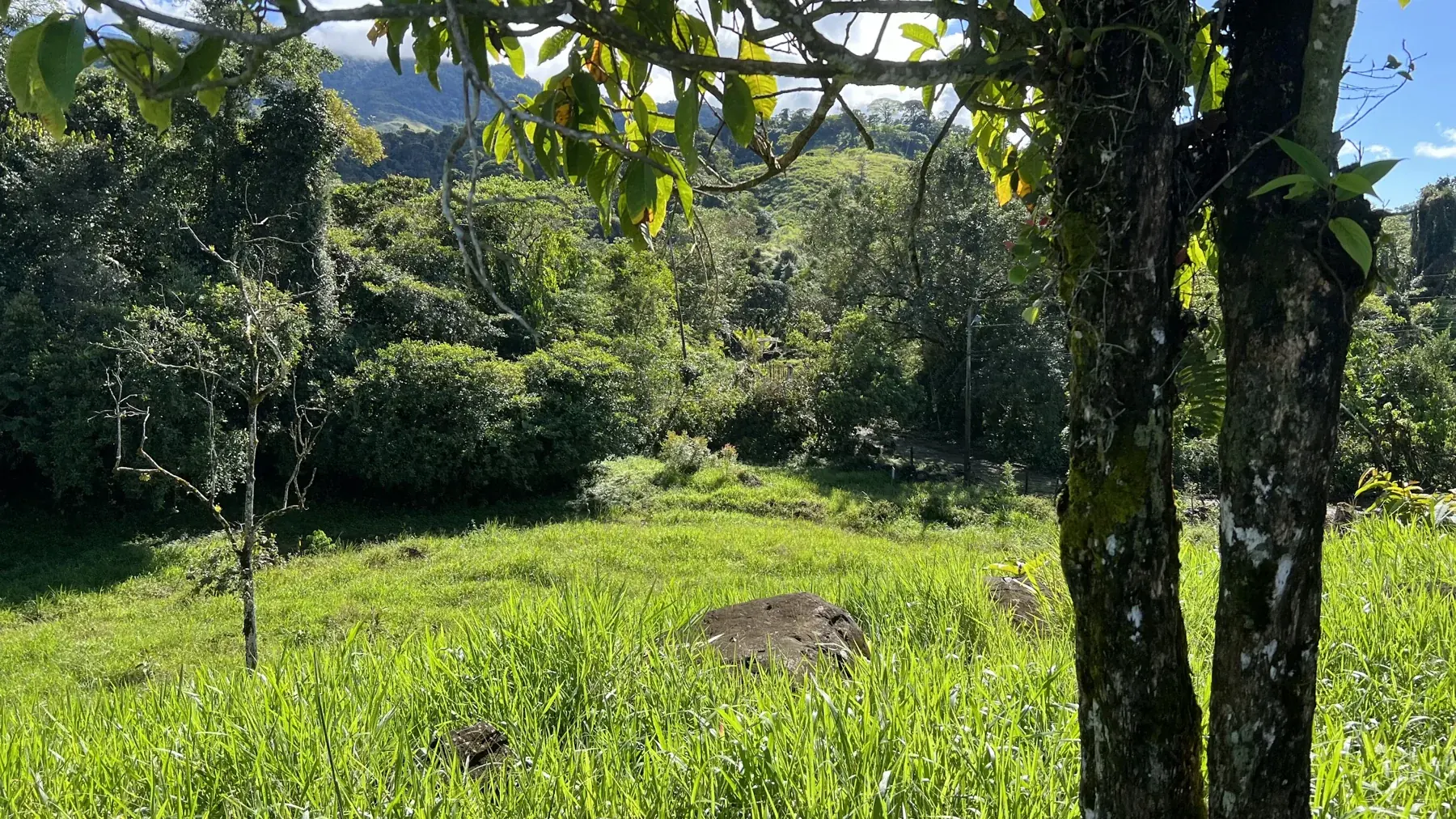
Offline photo field notes versus a camera-roll dump
A camera-roll dump is volume. Offline photo field notes are keepers that still mean something next season.
Dump: fifty frames, no place, no caption, half compressed by chat.
Field notes: one or two frames per decision, on a named place, captioned with what changed, stored so a failed upload does not orphan the intent.
The job is not “more photographs.” The job is evidence you can retrieve when the strainer is cloudy again. Pretty is optional. Addressable is not.
For the broader filed-evidence habit, see the homestead photo journal method. This piece is narrower: how farm photos offline survive when the bars die and the upload does not finish.
Farm photos offline: local save, queue, retry, needs attention
Test any tool the way the paddock will: airplane mode on, one photograph on a named place, then walk away.
Local save. The photograph and attachment intent exist on the device when you finish capture—not when a server nods. If “saved” only means “upload started,” you have hope, not a journal.
Queue. Farm photos offline need a queue that keeps the file tied to the note or place—“retry later,” not “re-shoot next week.”
Retry you control. When Wi‑Fi returns, you decide when to push again. Background sync is fine when it works; it is not a substitute for a visible failure.
Needs attention. Failed uploads must surface. Silent limbo is how evidence dies. Retry on a solid connection. Clear only when the trail is real.
Those four jobs are the stack. Albums and cloud folders are theater if local save and visible retry are missing. Reliable offline note and photo saving in released Soil Journal was not verified for this article; use the acceptance test on whatever tool you choose.
Attach photos farm notes: caption, place, and what changed
Attach photos farm notes only works when three pieces travel with the frame.
- Place you actually say: north pump, south terrace bed B, chile lateral, chicken run.
- What changed in one clause: cloudy after rain; lean about fifteen degrees; crust on the east strip; soft shell this morning.
- Optional next — recheck Saturday, gasket soft, brace temporary — not a novel.
Prefer original resolution for pests and fittings; chat compression softens detail you will need later. Caption at capture, not three days later when “bug??” is all you remember.
That file: North pump — filter bowl cloudy after rain; pressure soft after about ten minutes. That fail: Pretty morning, Look, a bare thumb with no place.
When the photograph is soil surface or a shovel slice, see soil observation notes. When it is a repair—before you touch, after the fitting—see the homestead repair log. Offline photo field notes are the media layer those trails rely on.
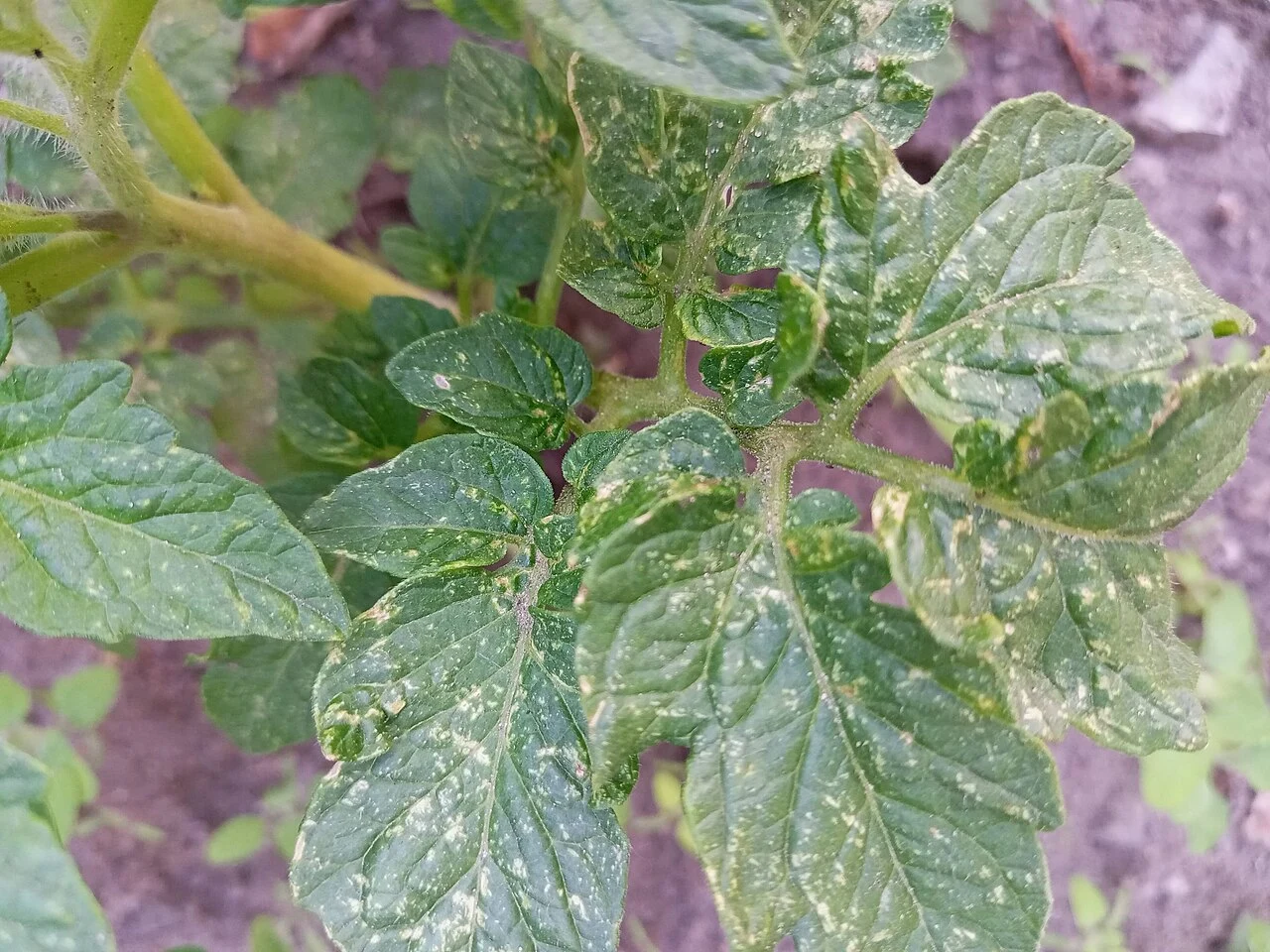

Why WhatsApp and Drive folders fail as evidence
Messaging apps and Drive folders feel like filing. For farm evidence, they usually are not.
Messaging. Fast with dirty hands. Brutal to detail. Compression blurs pest legs, hairline cracks, and strainer cloudiness. A group chat is not an archive. If you must send, also file the original on the place the same day.
Drive folders. “Farm 2026” with fifty unlabeled thumbs is a prettier camera roll. Search returns filenames, not “north pump cloudy after rain.” Folders without places and captions are storage, not a journal.
Camera roll alone. Huge capacity, zero address. Offline photo field notes leave the roll the same day—or they were never keepers.
Survive: leave chat and Recents the same day; prefer original resolution for pests and fittings; place plus what changed at capture; local first in dead zones—never upload-as-save.
Photo points that survive a season
Random angles teach almost nothing about change. Photo points do.
Pick a fixed stance: same rock, same height, same post or bed corner in frame. Mark it lightly—a stake, painted rock, or “from the south corner post.” Shoot once. Return in two weeks or a month. Same place, same angle.
Use them for soil surface, beds, fence lean, strainer clarity, and tank lines. One honest pair beats twenty artistic singles. Offline matters: the return shot often happens where bars are thin. Queue and needs-attention protect the pair.
Demo · 3 July · South corner of Bed 4. Photo point marked on the corner post, camera held at post-top height, bed edge in the lower third of the frame. Caption: “Bed 4 south corner — dry crust after three days without rain.” Plan return in fourteen days with the same stance. This is a teaching example, not a BuenaVida before-and-after claim.
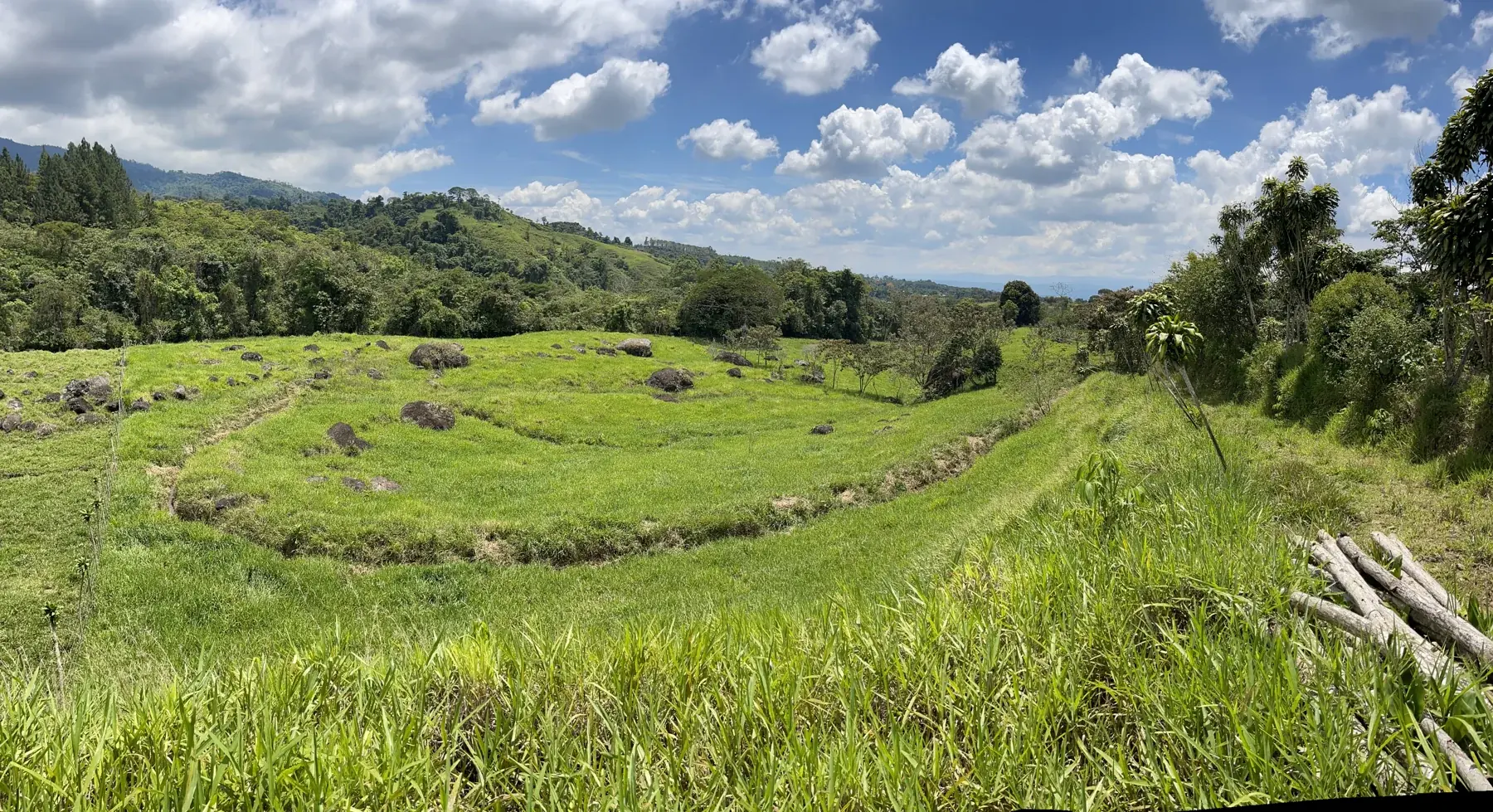
Soft caps should never block capture
Homestead tools sometimes carry soft photograph caps—a Free-tier ceiling so cloud storage stays honest. Caps can exist; they should never block capture in the field.
You can still take the photograph when signal is gone. Local save and queue still hold the keeper. Soft caps may shape sync or cloud retention—not whether you may record what you see. Near a ceiling, honest software gives a calm notice and a path to manage keepers—not a hard stop mid-walk.
If a tool blocks the shutter until you upgrade, it is not paddock-ready. Treat that as a failed acceptance test, the same way you would treat a silent upload failure.
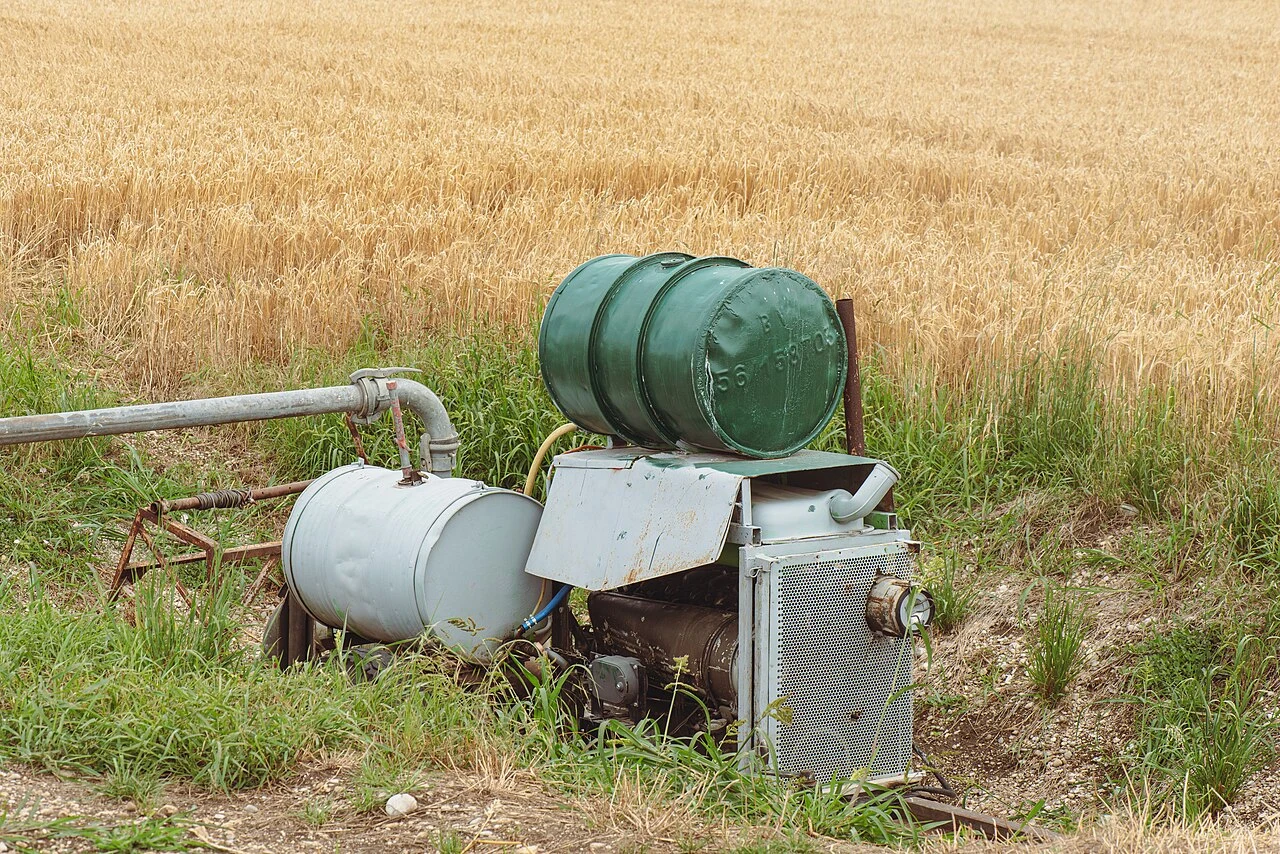

Start this week
Airplane mode is the exam.
Day 1 — Five places, one photograph each. Attach place and what changed. In the evening, confirm captions stuck.
Day 2 — Airplane-mode upload fail. Capture a note and photograph with the network off. Confirm local save. On Wi‑Fi, watch needs-attention and retry. Silent loss means the tool is not ready for farm photos offline.
Day 3 — One photo point. Mark a bed corner or fence post. Shoot. Note the stance. Plan the return.
Day 4 — Before and after a repair. Photograph before you touch, after the fix, same place, optional next task. Do not invent a result the photographs cannot support.
Day 5 — Chat is not archive. If you send a frame, file the original on the place the same day.
Weekend — Needs-attention sweep. Retry queues. Attach or discard orphans. Calendar the photo-point return.
A familiar mixed-homestead lesson: chat-only shots taken with house signal never stand in for the cloudy bowl at the filter. Local keepers with place and caption beat any folder named “Farm.”
Keep the pretty shots in the roll if you like. Keep the evidence in offline photo field notes: local first, captioned, on a place, queued until the upload lands. ## Keep originals until filing is proven
Retain the original image file until you can open the filed keeper from the place record and see usable detail. A thumbnail in a chat thread is not proof that the lasting copy survived. If your tool shows “uploaded” without letting you reopen the attachment offline or on another session, treat that claim as unverified.
Separate personal snapshots from field evidence in your habits even if they share a camera roll. Evidence earns a place name and a caption the same day. Personal photographs can stay unsorted. Mixing the two is how “north pump cloudy” becomes impossible to find among holidays and receipts.
If you must compress for a quick share, keep the original on-device and file that original. The shared derivative is a message, not the journal entry.
Explore Soil Journal at soiljournal.com, or record a planting when you want to try the current product flow.